CapCut vs VN Video Editor: Best App for Beginners in 2026
Video editing has become an essential skill in 2025, especially with the explosive growth of platforms like TikTok, YouTube Shorts, Instagram Reels, and Facebook video content. Beginners now want easy-to-use, powerful, and free editing tools that can help them create professional-looking videos without complex learning curves.
Two of the most popular video editing apps dominating this space are CapCut vs VN Video Editor. Both offer impressive features, smooth performance, and high-quality exports — but which one is truly best for beginners in 2026?
Let’s dive into a detailed comparison covering usability, features, performance, editing tools, export quality, pricing, and real-world use cases.
Overview of CapCut and VN Video Editor
What is CapCut?
CapCut is a feature-rich video editing application developed for creators who want fast, stylish, and trendy video edits. It is widely used by TikTok and social media creators because of its massive template library, AI tools, and visual effects. CapCut focuses on speed, automation, and viral-style editing.
What is VN Video Editor?
VN Video Editor is designed for creators who want precision, manual control, and professional-grade editing tools. It provides a clean interface, powerful timeline controls, and detailed editing options. VN focuses on creative freedom and editing accuracy, making it a strong choice for vloggers and YouTube creators.
User Interface & Ease of Use
CapCut – Beginner Friendly Champion
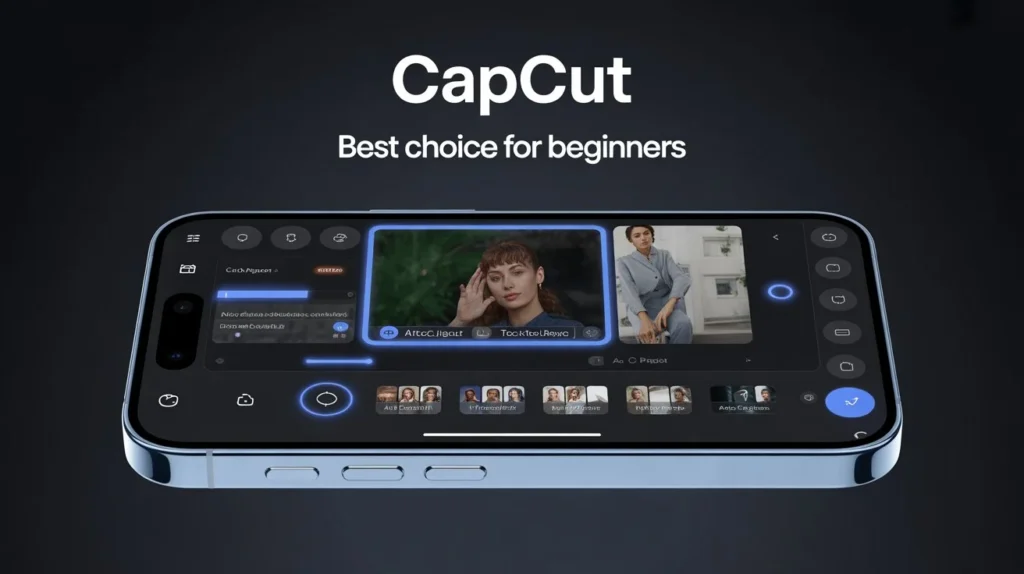
CapCut is extremely easy to use, even for someone who has never edited a video before.
- Clean interface
- Simple drag-and-drop editing
- Ready-made templates
- One-tap effects
- AI-based editing tools
Its layout is intuitive, making it ideal for absolute beginners. Most tasks can be done in just a few taps.
VN Video Editor – Slight Learning Curve
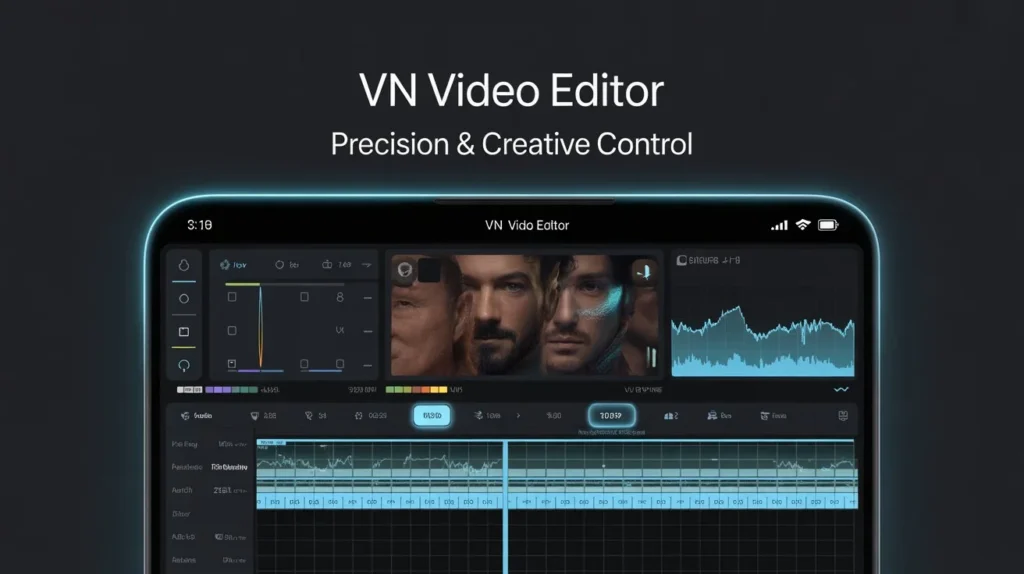
VN offers a professional editing interface with:
- Multi-layer timeline
- Detailed controls
- Manual adjustments
- Advanced editing panels
While the interface is clean, it may take beginners a little time to understand all the tools. However, once learned, VN provides excellent creative control.
Winner for Beginners: CapCut
Editing Features Comparison
| Feature | CapCut | VN Video Editor |
| Multi-layer timeline | Yes | Yes |
| Keyframe animation | Yes | Yes |
| Speed control | Basic + curve | Advanced curve |
| Chroma key | Yes | Yes |
| Masking tools | Yes | Yes |
| Motion tracking | Yes | Limited |
| LUT color grading | Limited | Advanced |
| Templates | Massive | Very limited |
CapCut offers more ready-to-use features, while VN focuses on manual precision editing.
AI Tools & Automation (2026 Advantage)
CapCut AI Features
CapCut dominates in AI-powered tools:
- Auto captions
- Background removal
- AI effects
- Smart templates
- Motion tracking
- Auto beat sync
- AI filters
These tools allow beginners to create professional videos in minutes.
VN AI Tools
VN offers only basic automation:
- Smart trimming
- Beat sync
- Simple auto cuts
VN still relies heavily on manual editing, which is better for detailed creative work but slower for beginners.
Winner: CapCut
Templates & Effects Library
CapCut – Best for Trending Content
CapCut offers thousands of:
- Viral templates
- TikTok-ready edits
- Stylish transitions
- AR filters
- 3D zoom effects
- Beauty filters
Perfect for social media creators who want instant viral-style videos.
VN Video Editor – Clean & Professional Effects
VN provides:
- Minimalist transitions
- Cinematic filters
- Light leaks
- Film grain
- Professional overlays
Better suited for clean storytelling and professional edits.
Winner for Beginners: CapCut
Timeline Editing & Control
CapCut Timeline
CapCut uses a simplified timeline that:
- Is easy to understand
- Works well for short videos
- Focuses on quick edits
However, it offers less precision control than VN.
VN Timeline
VN provides:
- Advanced multi-layer timeline
- Detailed trimming
- Frame-by-frame control
- Keyframe graph editor
Ideal for complex edits, cinematic projects, and YouTube videos.
Winner for Precision Editing: VN Video Editor
Performance & Device Compatibility
CapCut Performance
- Heavy app
- High RAM usage
- Smooth on modern devices
- Can lag on low-end phones
VN Video Editor Performance
- Lightweight
- Smooth on older phones
- Fast rendering
- Battery efficient
Winner for Low-End Devices: VN Video Editor
Winner for High-End Devices: CapCut
Audio Editing Features
CapCut Audio Tools
- Trending sounds
- Voice effects
- AI voiceover
- Beat detection
- Music auto sync
VN Audio Tools
- Multi-track audio
- Sound mixing
- Voice recording
- Manual sound effects
CapCut excels in music discovery and automation, while VN provides better manual control.
Winner for Beginners: CapCut
Export Quality & Formats
Both apps support:
- 720p
- 1080p
- 2K
- 4K export
- Multiple frame rates
CapCut Export
- Fast
- Optimized for social platforms
- Auto settings for TikTok & Reels
VN Export
- Advanced bitrate control
- High-quality compression
- Better for cinematic projects
Winner for Beginners: CapCut
Winner for Professionals: VN
Pricing & Subscription Model (2026)
CapCut Pricing
- Free version available
- Optional premium plan for AI tools, templates, and cloud storage
VN Video Editor Pricing
- Completely free
- No watermark
- No ads
- No forced subscription
Winner for Budget Users: VN Video Editor
Best Use Cases
| User Type | Best App |
| Beginners | CapCut |
| TikTok creators | CapCut |
| Instagram Reels editors | CapCut |
| YouTube vloggers | VN |
| Cinematic editors | VN |
| Low-end device users | VN |
| Fast social content creators | CapCut |
Pros & Cons Summary
CapCut Pros
- Extremely beginner friendly
- AI-powered tools
- Massive template library
- Trendy effects
- Fast editing workflow
CapCut Cons
- Heavy app
- Some premium features locked
- High RAM usage
VN Video Editor Pros
- 100% free
- Professional editing tools
- Lightweight
- Smooth performance
- No watermark
VN Video Editor Cons
- Limited templates
- Manual editing required
- Slight learning curve
Final Verdict: Which Is Best for Beginners in 2025?
If your goal is fast, easy, trendy, and viral-style editing, then:
👉 CapCut is the Best Choice for Beginners in 2025
However, if you want professional editing control, cinematic effects, and long-form storytelling, then:
👉 VN Video Editor is the Better Option for Serious Creators
FAQs

Sophia Reed
I’m Sophia Reed, a dedicated video editor and content creator focused on making video editing simple, accessible, and stress-free. I believe great creativity shouldn’t be limited by complicated software or expensive tools. Through clear tutorials, honest reviews, and step-by-step guides, I help beginners and creators confidently transform their ideas into clean, professional-quality videos.